Pristine for ShopifyInside Shopify admin
The whole app, inside your Shopify admin.
Find, fix and keep clean: all 18 checks, one-click fixes with a restore point, and Shield watching products as they're saved. Free during the open beta.
admin.shopify.com/store/your-store/apps/pristine-commerce
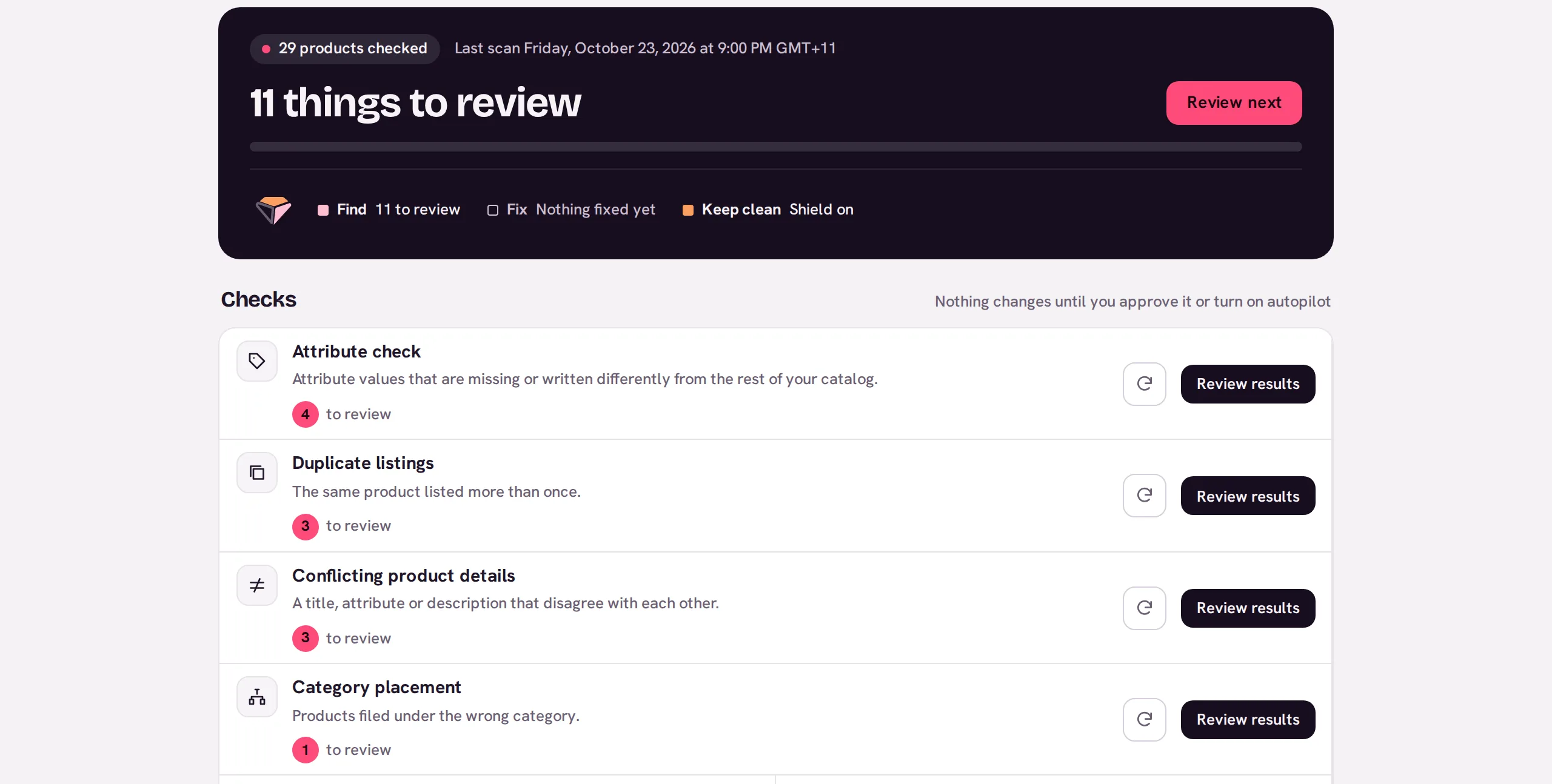
Everything Pristine does
- All 18 checks, each finding with its evidence
- One-click fixes and duplicate merges
- A restore point saved before every change
- Shield on-save checks and scheduled rescans
- Competitor tracking
Get started
Install from the Shopify App Store
Approve the permissions. Pristine reads and updates products and manages product URL redirects; it never sees customers, orders or payments.
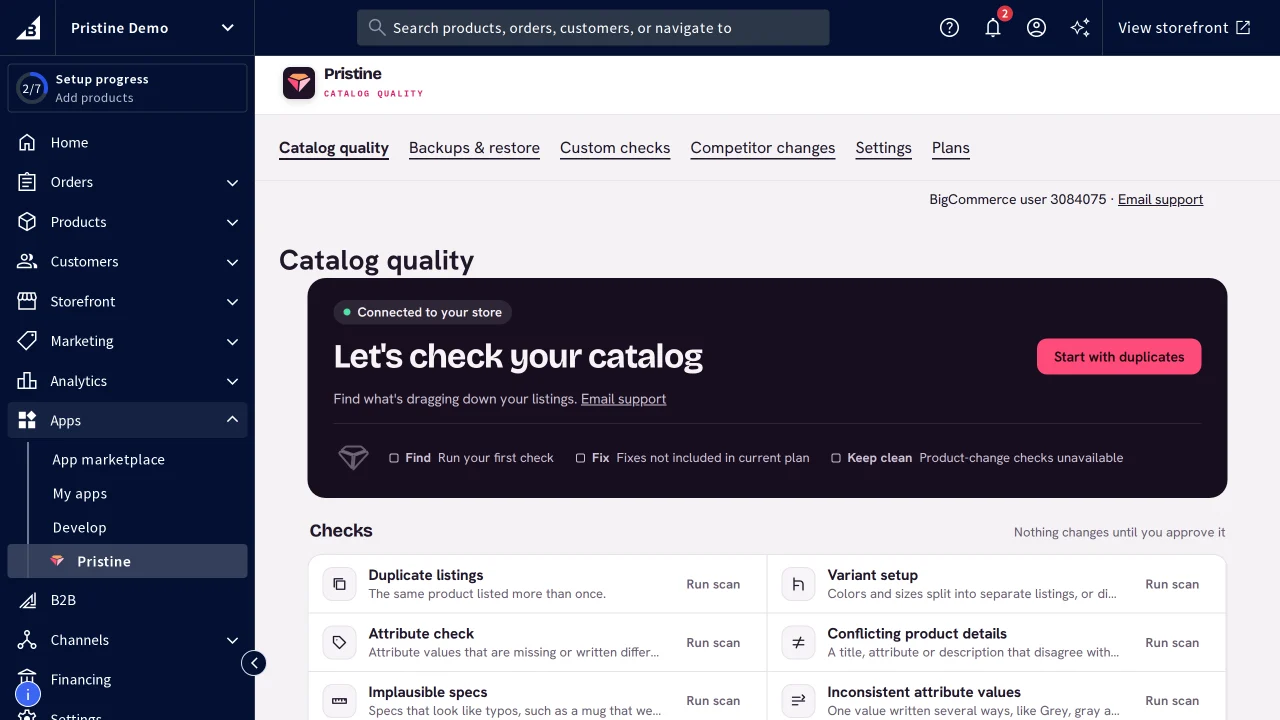
Open Pristine from Apps
It runs inside your admin, so there's no separate sign-in.
Run your first checks
Choose Run all checks to start the checks that are ready, or Run scan beside one such as Duplicate listings, and review findings as they arrive.
Approve fixes when you're ready
Every applied change links to its restore point in Backups.
Step-by-step help: Shopify setup guide. Questions go to support@pristinecommerce.shop.
Pristine runs in other places too.
- Catalogs
- 3
- Open findings
- 23
- Products
- 1,058
- Wholesale price listCSV upload · 412 products23 to review
- Supplier feed: Lumen HomeCSV upload · 306 productsChecking
- Marketplace exportCSV upload · 340 productsNothing to review