Catalog checks for Salesforce Commerce Cloud, free during the open beta.
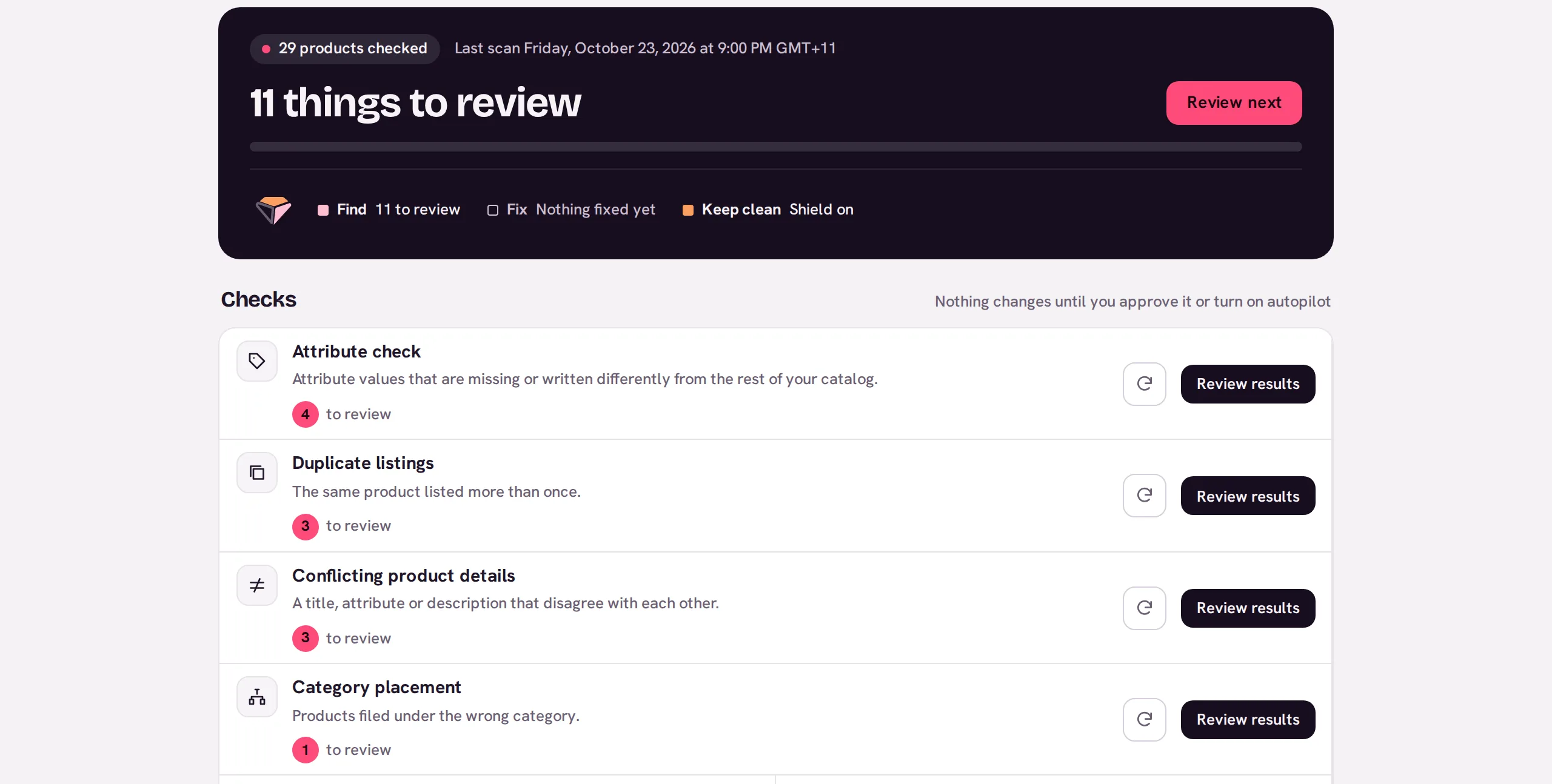
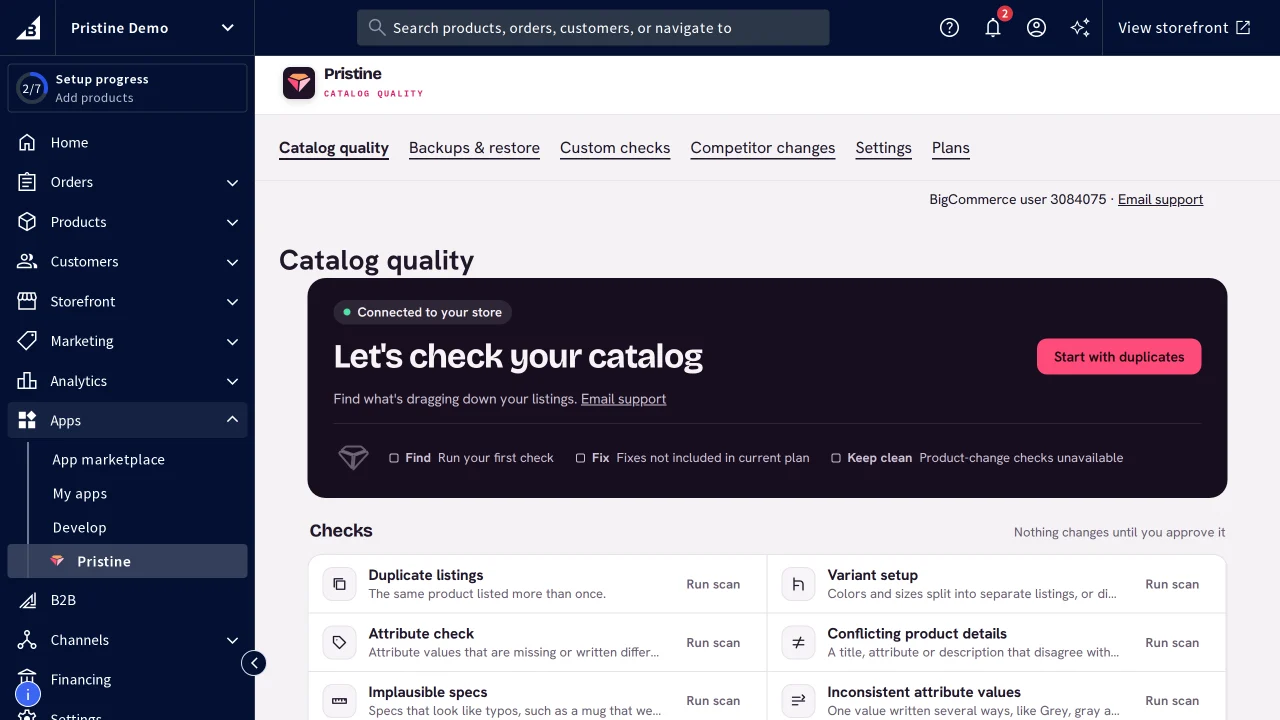
Upload a CSV from Salesforce B2C Commerce today. A direct API connection has been built and is pending live validation before release. Find duplicates, missing details, conflicting data and photos that don't match the listing, with evidence for every finding.
Continue with Google at my.pristinecommerce.shop. Free during the open beta.
2
Export from Salesforce Commerce Cloud
In Business Manager, go to Merchant Tools > Products and Catalogs > Import & Export > Catalogs > Export. Choose your catalog and select "Also export as a CSV file". Include the relevant locale, site, attributes and variation IDs; we help prepare product relationships.
3
Upload and match columns
Upload the CSV to your Pristine account. We help map your export during the beta. These exports are not imported automatically: column names and variant rows may need preparation, including rows that repeat a parent product ID. Up to 1,228 products and 5 MiB per uploaded catalog. If your catalog is larger, agree a smaller scope with us before uploading.
4
Run checks
Run the catalog checks and review each finding with its evidence. Make changes in your own store.