Pristine for BigCommerceOpen beta
Catalog checks inside BigCommerce, free during the open beta.
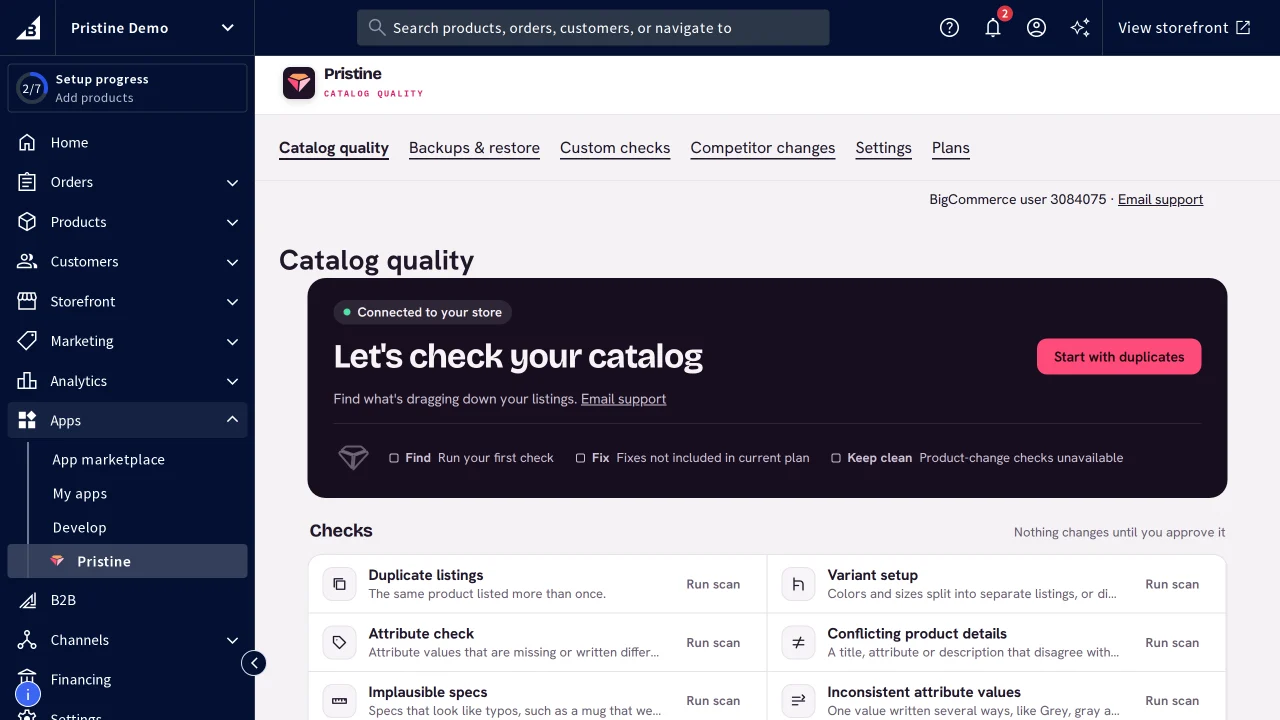
Pristine opens inside your BigCommerce control panel. Install the app, and run the catalog checks, read the evidence for every finding and write your own rules. Scans never change your products.
What you get on BigCommerce
- Catalog checks for duplicates, variants, attributes, conflicting details and mismatched photos
- Every finding with its evidence
- Compare possible duplicates side by side
- Custom checks written in plain English
- Field fixes, each with a restore point
- Staff with app access in the same store can use it
Get started
Install from the BigCommerce listing
Choose Install from Pristine's BigCommerce app listing and review the permissions.
Confirm the store
Check the store name on the confirmation page and select Open store. You can start scanning straight away.
Run all checks
Choose Run all checks on Catalog quality to start the checks that are ready, or Run scan beside one such as Duplicate listings.
Review the findings
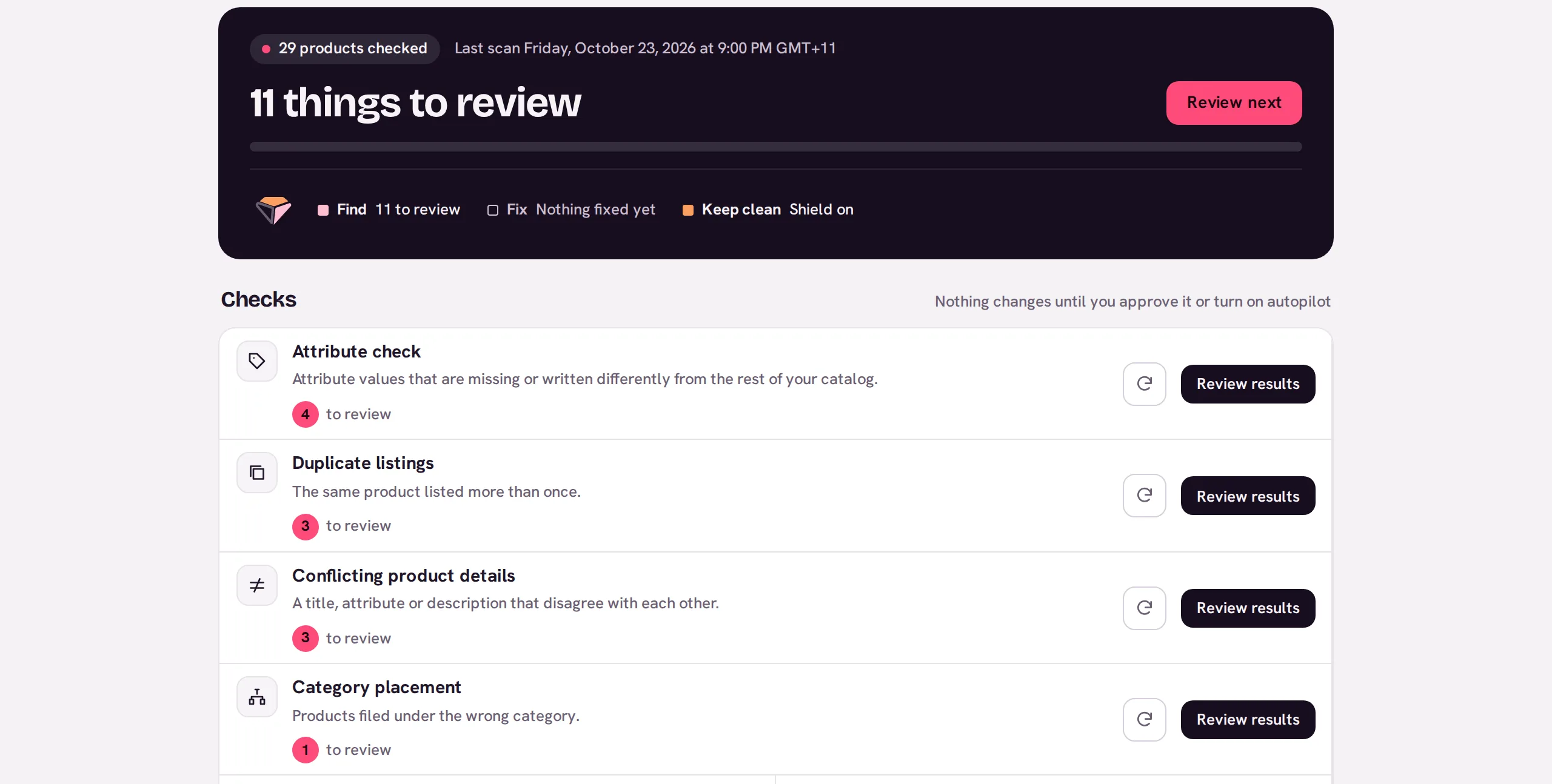
Approve a fix, or dismiss what doesn't apply. Every applied change has a restore point in Backups.
Want help setting up? Tell us about your store.
Step-by-step help: BigCommerce installation guide. Questions go to support@pristinecommerce.shop.
Pristine runs in other places too.
- Catalogs
- 3
- Open findings
- 23
- Products
- 1,058
- Wholesale price listCSV upload · 412 products23 to review
- Supplier feed: Lumen HomeCSV upload · 306 productsChecking
- Marketplace exportCSV upload · 340 productsNothing to review