Catalog checks for Wix, free during the open beta.
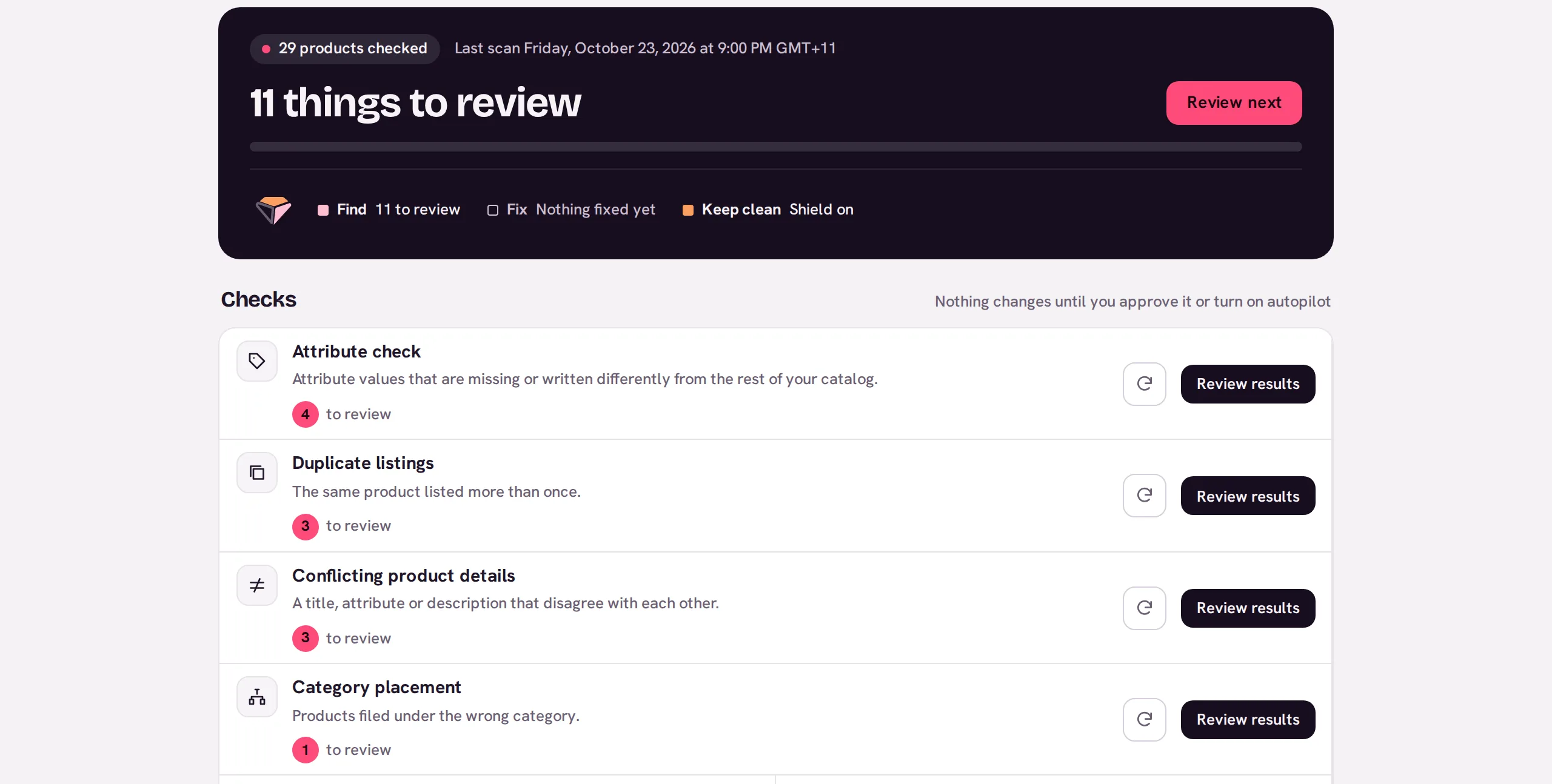
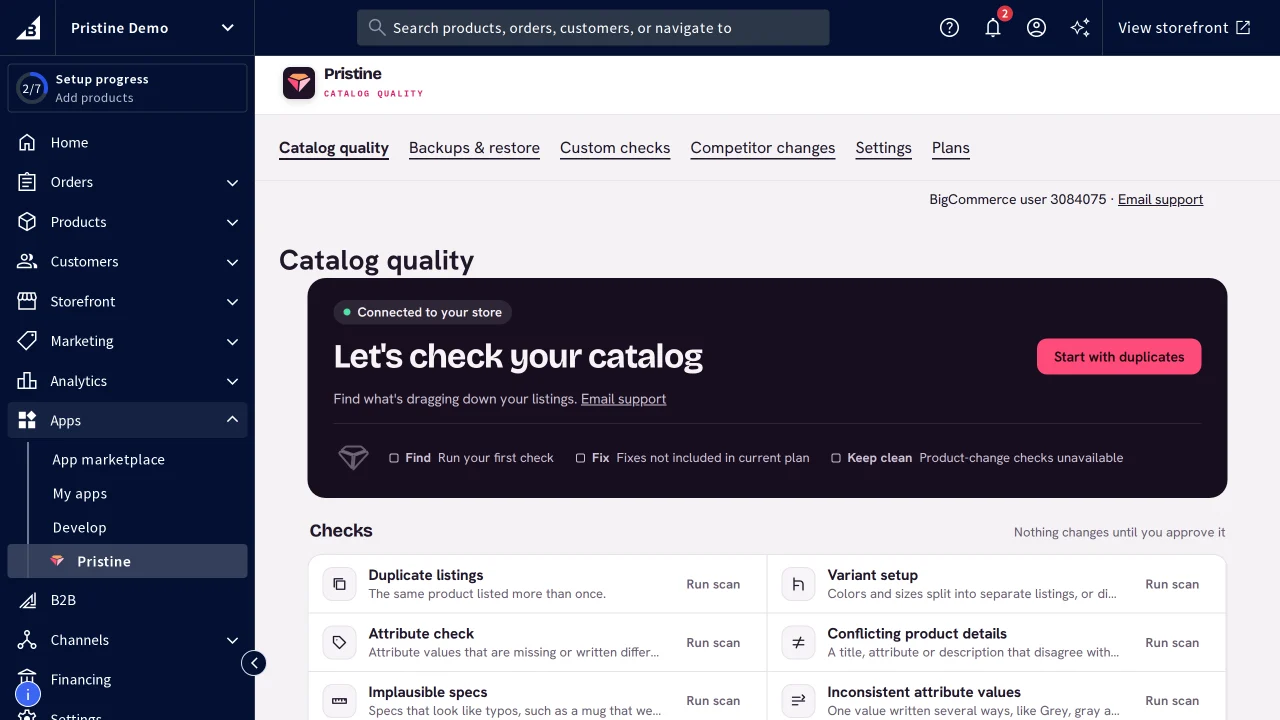
Install Pristine Commerce from the Wix App Market, then open it in your Wix dashboard to import products with read-only access. Find duplicates, missing details, conflicting data and photos that don't match the listing, with evidence for every finding.
Add Pristine Commerce from the Wix App Market to your Wix Stores site, then open it from the Wix dashboard as the site owner.
2
Pull products from Wix
Your first scan imports visible products directly. Use Refresh catalog in the app when your products change.
3
Run checks
Run the catalog checks and review each finding with its evidence. Make changes in your own store.
Use a CSV export
Go to Products > More Actions > Export. Wix exports physical products only, with up to 5,000 rows per file; variants count toward that limit. Pristine's smaller upload limit still applies. Sign in with Google and match the CSV columns to your product fields. Upload the CSV to your Pristine account. We help map your export during the beta. These exports are not imported automatically: column names and variant rows may need preparation, including rows that repeat a parent product ID. Up to 1,228 products and 5 MiB per uploaded catalog. If your catalog is larger, agree a smaller scope with us before uploading. Upload a new file when your catalog changes.