Pristine for any catalogOpen beta
Your Pristine footprint, in one place.
Your Pristine account at my.pristinecommerce.shop shows your catalogs together, including their latest findings, access and who shares the account. Connect Squarespace or Magento to import products directly, or upload a CSV from any platform, feed or ERP.
- Catalogs
- 3
- Open findings
- 23
- Products
- 1,058
- Wholesale price listCSV upload · 412 products23 to review
- Supplier feed: Lumen HomeCSV upload · 306 productsChecking
- Marketplace exportCSV upload · 340 productsNothing to review
What an account does today
- One overview of every catalog in your account
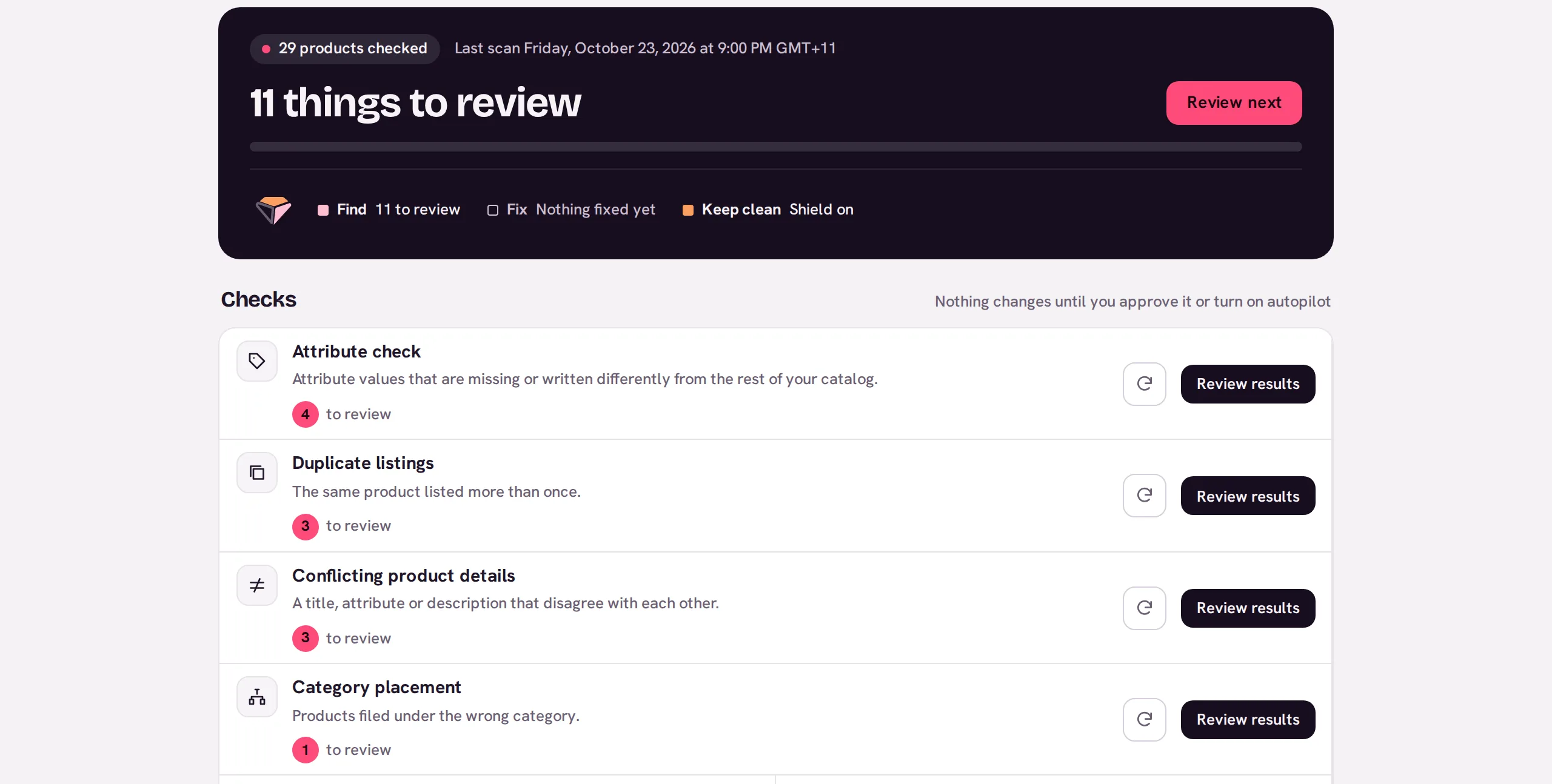
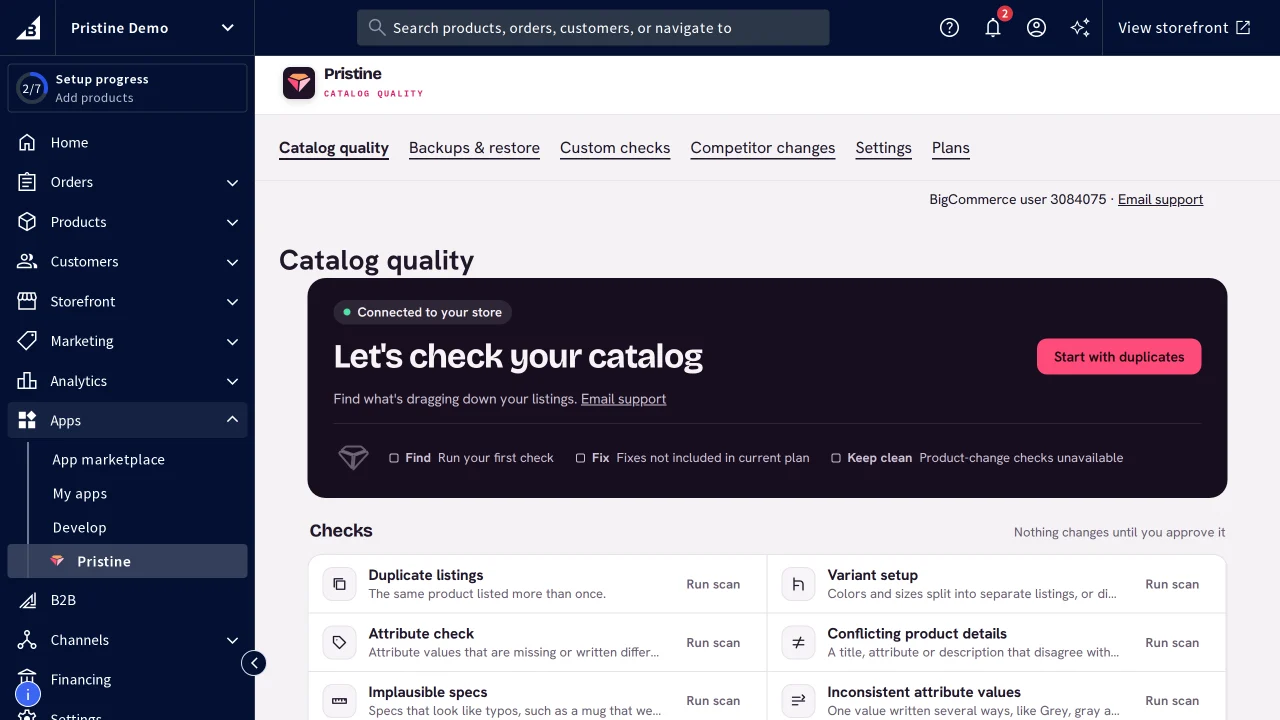
- Latest scan and open findings for each catalog, added up across them
- Each catalog's access and Shield coverage
- How many people share each account, and your role in it
- Read-only imports from connected Squarespace and Magento stores
- CSV upload with column mapping for catalogs outside a store admin
- Sign in with Google
- Up to 1,228 products and 5 MiB per uploaded catalog
Not yet
- Linking your Shopify and BigCommerce stores to your account
- Inviting teammates from your account
Get started
Sign up with Google
Use Continue with Google at my.pristinecommerce.shop to create your account. Free during the open beta.
Connect or upload a catalog
Choose Connect for Squarespace or Magento, or upload a CSV and match its columns to product fields. Uploads accept up to 1,228 products and 5 MiB per catalog.
Run checks and read the overview
Findings and evidence work as in the store apps, and the overview adds them up across your catalogs.
Want help setting up? Tell us about your store.
Step-by-step help: Web app setup guide. Questions go to support@pristinecommerce.shop.