Use Pristine at my.pristinecommerce.shop
Get started on the Pristine web app
Sign in with Google, connect a store or upload a CSV, and see every catalog together on your account overview.
What the Pristine web app is for
The Pristine web app at my.pristinecommerce.shop checks catalogs that don't run inside a store admin: Squarespace and Magento stores you connect, and CSV exports from any platform, feed or spreadsheet.
Using Pristine inside Shopify or BigCommerce? Open it from your store admin instead; those stores don't need an account.
Sign in with Google
Choose Continue with Google
Google shares your email address, name and account ID. Pristine doesn't keep Google's access tokens. Your account is created the first time you sign in.
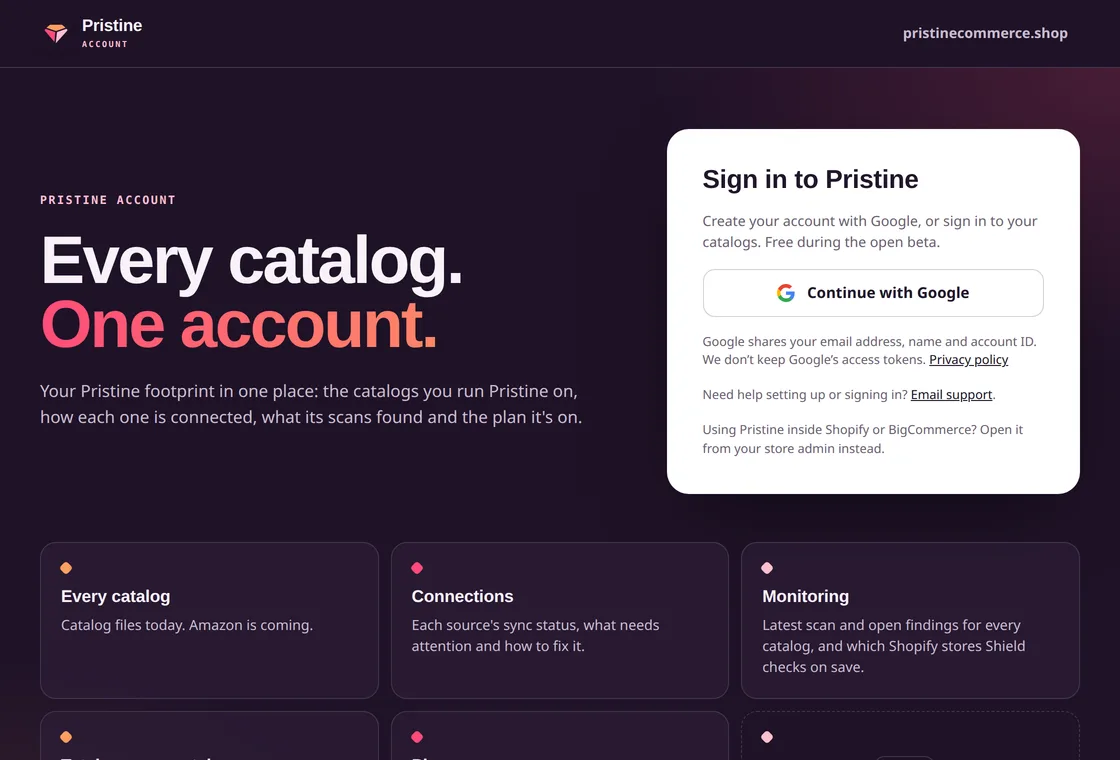
Free during the open beta.
Add a catalog
Choose Connect a catalog. Upload a catalog takes a CSV export from any platform. Connect Squarespace and Connect Magento import products directly with read-only access. Their guides cover each step.
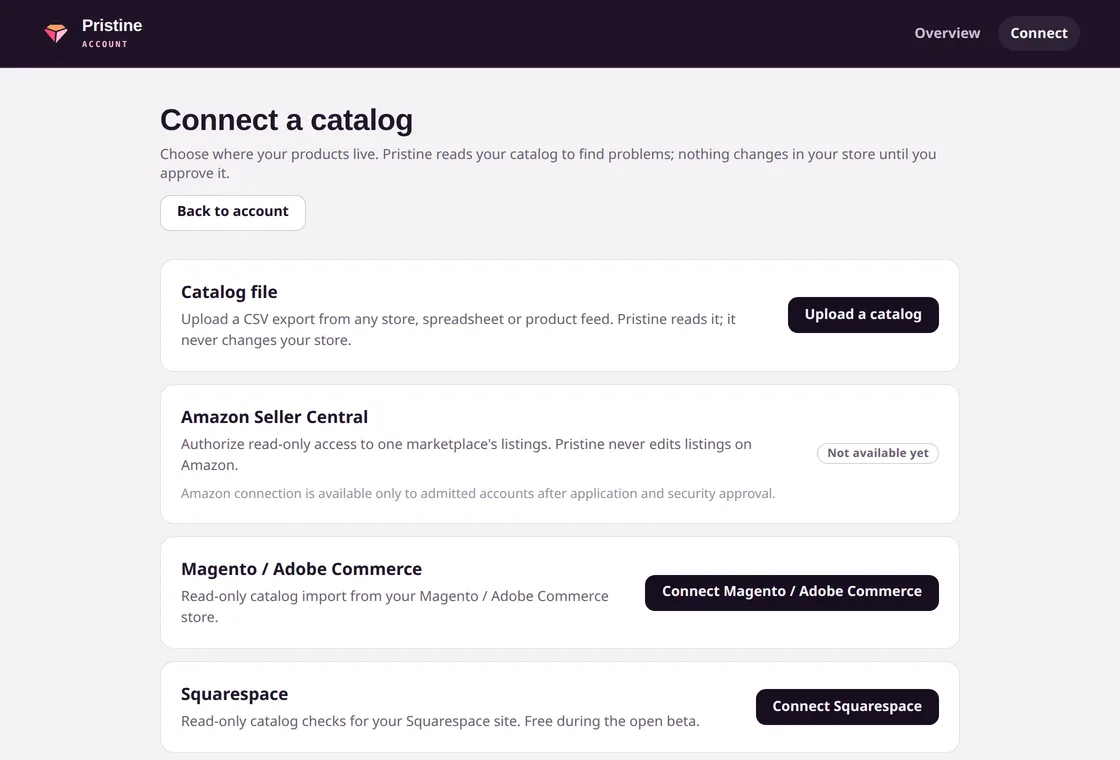
Options marked Not available yet aren't open in the beta.
See every catalog together
The account overview lists each catalog with its source, open findings, latest scan and access, and adds them up across catalogs. Choose Open catalog to work on one.
You're on Catalog quality
Each catalog has its own Catalog quality page. Open the catalog to reach Catalog quality. Choose Run all checks to start the checks that are ready, or Run scan beside a single check. Getting started explains what happens next.
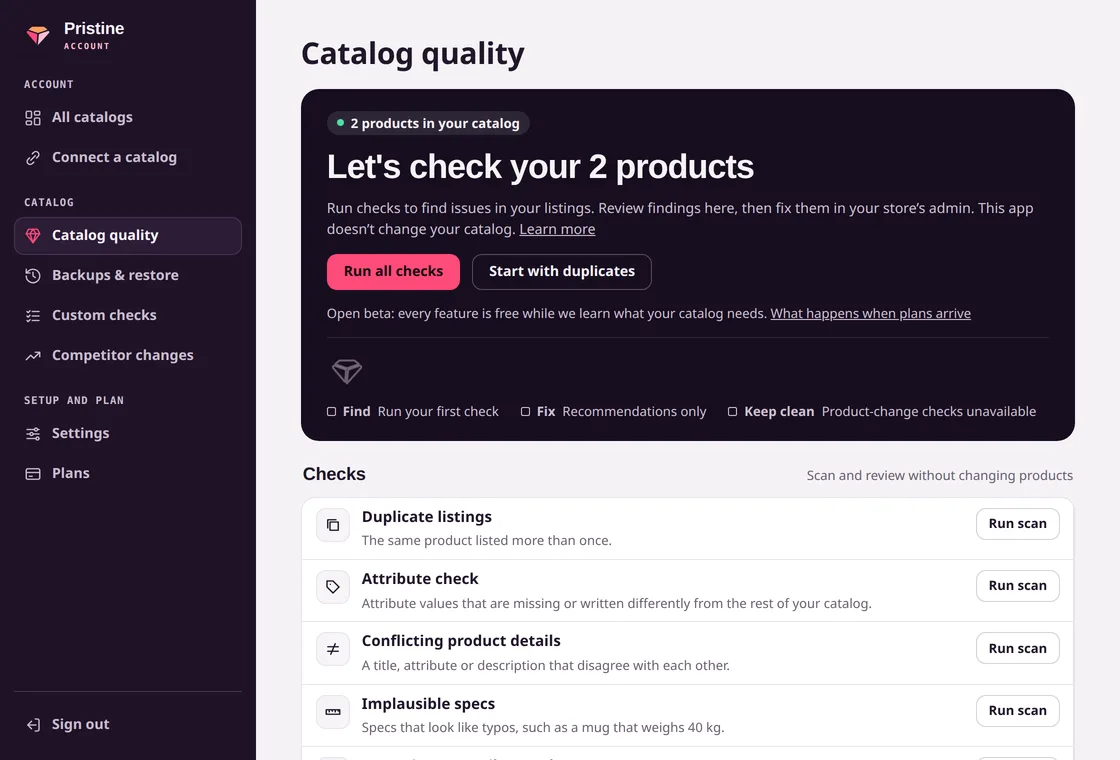
A demo catalog with two products. The left menu has Backups & restore, Custom checks, Settings and Plans for this catalog.
What's included
Included
- One overview of every catalog in your account
- Latest scan and open findings for each catalog, added up across them
- Each catalog's access and Shield coverage
- How many people share each account, and your role in it
- Read-only imports from connected Squarespace and Magento stores
- CSV upload with column mapping for catalogs outside a store admin
- Sign in with Google
- Up to 1,228 products and 5 MiB per uploaded catalog
Not available yet
- Linking your Shopify and BigCommerce stores to your account
- Inviting teammates from your account
What it costs
Pristine is free during the open beta, within your catalog's usage credits. There's nothing to pay and no paid upgrade while the beta runs. We'll tell you before paid plans start; your findings and history stay.