Bring more evidence to your checks
Connections
Connect reviews or competitor stores in Settings. Check a supplier file before importing it.
Check reviews against your listing
Connect Okendo
In Settings, enter your Okendo subscriber ID, then save the connection. No API key is needed: Pristine reads published reviews through Okendo's public API. Publish at least one review in Okendo before connecting. Other review apps aren't supported yet.
Run Reviews vs listing
Return to the dashboard and start this check to find places where reviews disagree with product details.
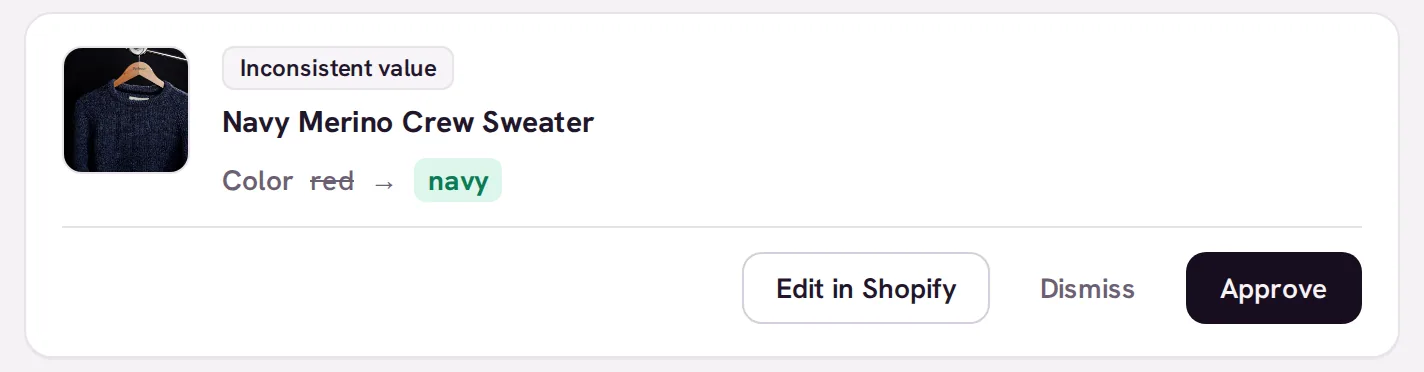
A catalog-only example: Attribute check compares a suggested value with the product. This check doesn't need a reviews connection.
Follow a competitor's public store
Add the store in Settings
Enter the competitor's name and store address. Settings shows how many competitors you can follow.
Run a competitor check
Use Competitor price matching or Assortment gaps on the dashboard. Refreshes happen when you run a check, not on a background schedule.
Read Competitor changes
See a dated timeline of observed prices, new or dropped products and stock changes. Prices use the competitor's listed currency; they aren't converted.
What if a competitor can't be refreshed?
Settings and Competitor changes show refresh health and the next retry time. Existing observations stay available. A partial observation doesn't report unseen products as removed.
What happens if I reach the follow limit?
Follows above your usage limit pause with their history kept. The oldest follows stay active.
Check a supplier file before importing
Choose the supplier's CSV
On the dashboard, upload a product file up to 5 MB to Supplier file check.
Review the matches
Pristine checks the file against your catalog for products you already sell. It doesn't import the products or keep the uploaded file.