Review a finding. Make a fix. Undo it.
Reviewing findings
Follow the evidence, choose what to change, and keep a way back.
Read the evidence first
Each finding says what looks wrong, with the evidence, a reason and a confidence percentage. When Pristine isn't sure, the finding needs your judgment. Check the actual product details before deciding.
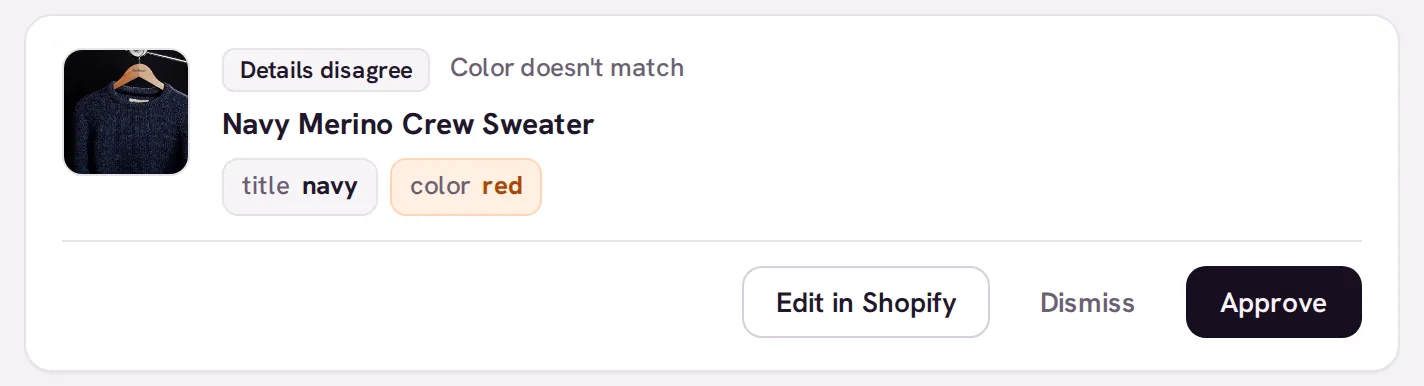
What you'll see: this demo sweater has a navy title and a red color attribute. Check the product to decide which value is right; the finding alone doesn't settle that.
Apply a supported fix
Compare the old and new values
Read the exact suggestion. On Shopify, Pristine can apply supported title, description and product-type fixes. On BigCommerce it can apply title, description and brand fixes, free during the open beta.
Choose Approve and apply
Pristine saves the old values before changing your store. If the product has changed since the scan, or your platform refuses the update, Pristine explains the problem and lets you retry. Fixes apply on Shopify and BigCommerce; connected and uploaded catalogs are read-only.
Check the result
An applied fix links to its restore point. If the finding offers only Approve, that records your decision; make the product change yourself in your store admin. Dismiss rejects a finding.
Worked example · Demo catalog
A scarf filed under Bedding
In this Shopify demo, the suggested product type is Accessories. After Approve and apply, the card says Applied and links to the restore point.
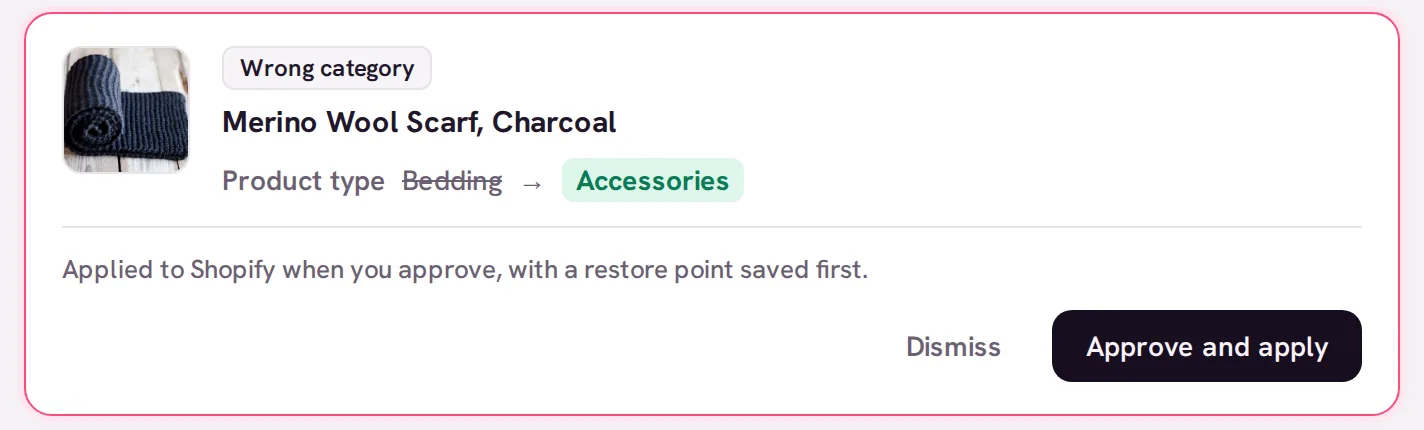
2. Approve and apply

Decide whether two listings are duplicates
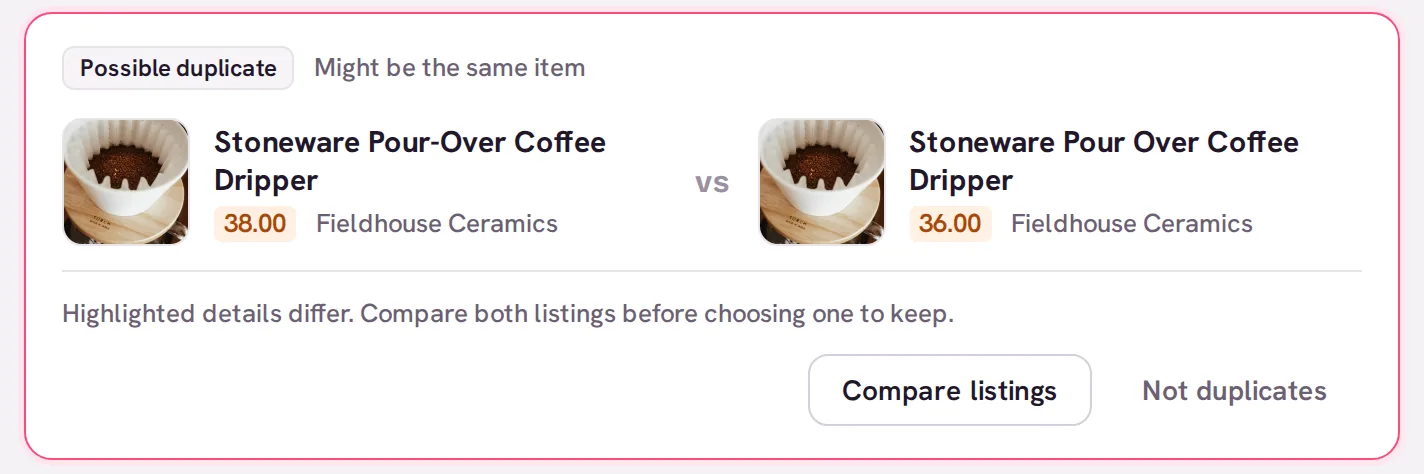
What you'll see: two demo coffee dripper listings. Similar photos are a starting point. Compare the listing details before choosing one to keep.
Open Compare listings
Compare the current fields, variant SKUs, barcodes, prices, photos and descriptions. Differences are highlighted. This is available for possible duplicates too.
Choose a listing to keep
If they are the same item, choose the survivor and select Merge these listings. Merges are available on Shopify. If they are different items, choose Not duplicates.
Review the merged result
The other listing is archived and its URL redirects to the one you kept. Neither listing is deleted. Use Undo in Backups if you need to reverse the merge.
Restore a change
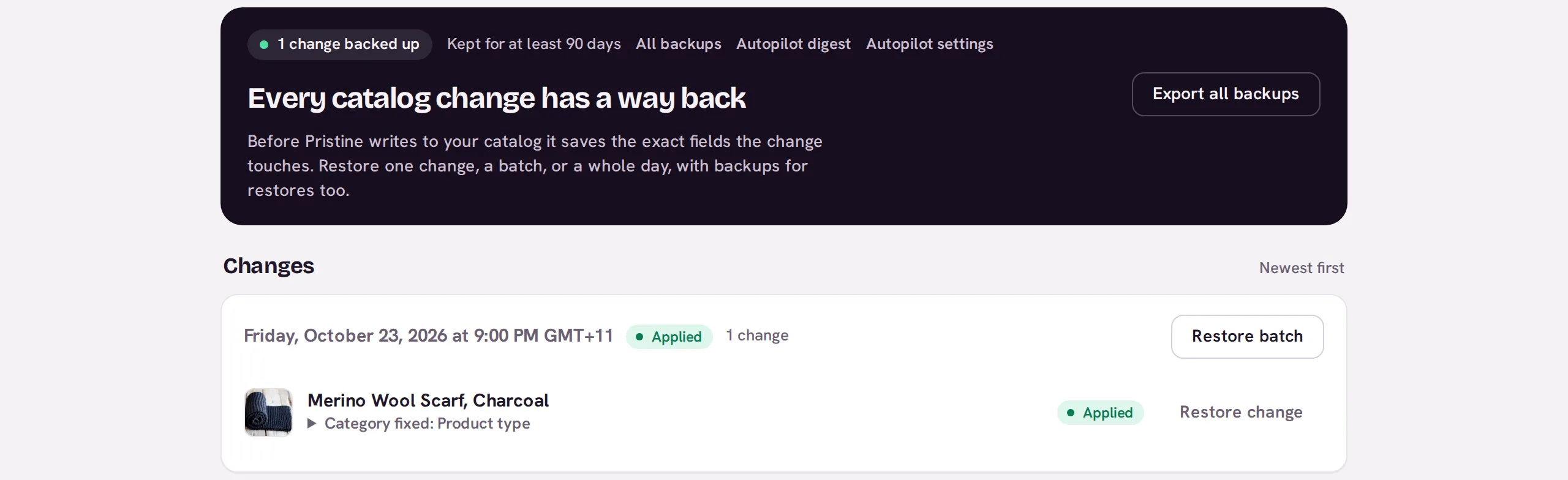
Open Backups & restore to restore one change, a batch or a day. Restore points are kept for at least 90 days while your store is connected.
Who made a decision?
The dashboard's activity shows your latest decisions and which staff member made each one.
Will autopilot merge duplicates?
No. Duplicate merges stay under your review. On Shopify, autopilot is a separate opt-in for eligible product-type fixes in Settings, after enough reviewed examples.