Pristine Commerce docs
Find your first issue, make a confident fix, and know how to undo it. Start with your platform's setup guide, then pick up the guides for using Pristine.
Set up on your platform
Each guide goes from install to Catalog quality, ready to run your first checks. Compare platforms
Shopify
Inside Shopify adminInstall Pristine Commerce from the Shopify App Store, approve its permissions and open Catalog quality, ready for your first checks.
BigCommerce
Open betaInstall from the BigCommerce listing, confirm your store and open Catalog quality, ready for your first checks.
Wix
Open betaInstall Pristine Commerce, open it in your Wix dashboard and run a full scan of your products. You can also upload a CSV export.
Squarespace
Open betaSign in to the Pristine web app, authorize read-only access to your Squarespace products and import them, ready for your first checks.
Magento / Adobe Commerce
Open betaPair the Pristine Commerce module with the Pristine web app, import a storefront view and run your first checks, or upload a CSV export.
WooCommerce
Open betaExport your WooCommerce products, upload the CSV to the Pristine web app and open Catalog quality, ready for your first checks.
Salesforce Commerce Cloud
Open betaExport your Salesforce Commerce Cloud products, upload the CSV to the Pristine web app and open Catalog quality, ready for your first checks.
Pristine web app
Open betaSign in with Google, connect a store or upload a CSV, and see every catalog together on your account overview.
Using Pristine
- Run your first catalog check
Getting started
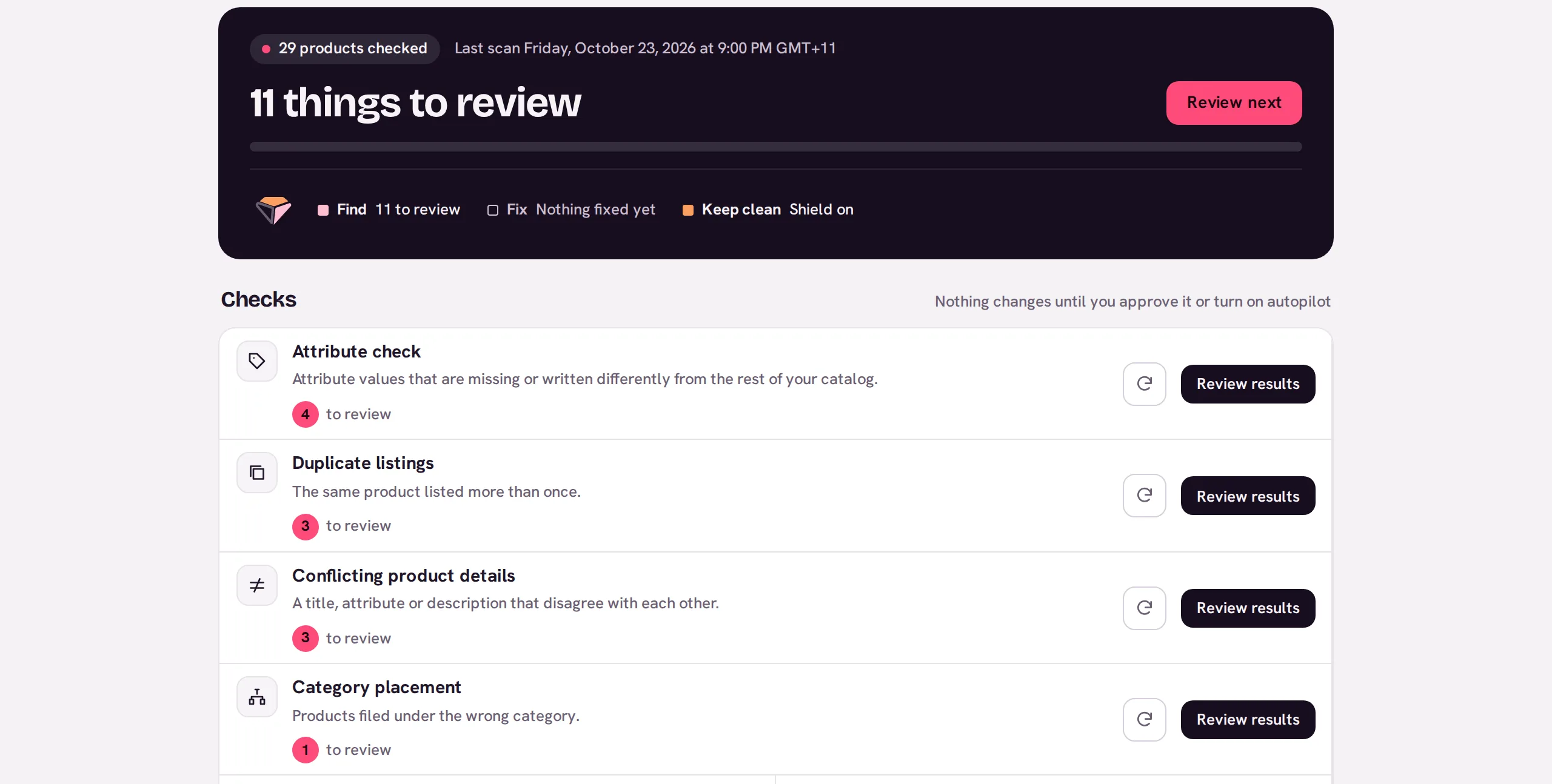
Run the checks that are ready, see what needs attention, and review your first finding. This picks up once Pristine is set up on your platform.
- Chat about your catalogs in Codex or Claude
Pristine MCP
Connect a Pristine account to ask about your products, recent scans and findings from Codex or Claude.
- Find the right check for the job
Checks
Look for duplicates, missing details and more. Start with the problem you want to solve.
- Review a finding. Make a fix. Undo it.
Reviewing findings
Follow the evidence, choose what to change, and keep a way back.
- Bring more evidence to your checks
Connections
Connect reviews or competitor stores in Settings. Check a supplier file before importing it.
- See what Pristine costs on your platform
Pricing
Pristine is free on every platform during the open beta. Every feature available on your platform is included.
- Know what Pristine reads and keeps
Data and privacy
Your product details, your decisions and your restore points. Here's what happens to each.
Pristine Email
Free email marketing for small stores and community organisations, in closed beta. About Pristine Email
- Join the beta and set up
Getting started
Ask for a place in the Pristine Email closed beta, sign in to Pristine on the web once we approve you, and set up your email workspace.
- Upload an opted-in list
Import contacts
Upload a CSV of people who opted in, choose the email column, say where they signed up, confirm their consent and read what was imported.
- Write, preview and send
Build and send a campaign
Set your brand basics and postal address, build an email from blocks, preview it at desktop and mobile width, and confirm the send.
- Send safely and reach the inbox
Limits and deliverability
The beta allowance, the daily ramp for new accounts, automatic pauses, unsubscribes that stick, and what Gmail and Yahoo ask of senders.
- Know who controls your contacts
Data, privacy and FAQ
You're the sender and you control your contacts. Here's what Pristine Email stores, where, what happens when you close your account, and answers to common questions.
From the blog
- Google Merchant Center
Duplicate GTINs in Merchant Center: when a shared barcode is fine
A repeated GTIN looks like a duplicate, but making every number unique does real damage. Here's how Google tells a legitimate shared GTIN from a true duplicate.
- Catalog upkeep
What a one-off catalog cleanup costs six months later
A cleanup fixes the catalog you had the day it finished. Here's how to tell, six months on, what it missed, what arrived since and what follow-up fits.
- Email lists
How to clean your email list after Black Friday sign-ups
A sale-week pop-up grows your list fast and fills it with bad addresses. Here's what to remove, who to ask again and what Gmail and Yahoo watch.
- Pristine Email
Introducing Pristine Email: free opt-in email for small senders
Why a catalog-quality company built email: free opt-in email for small stores and community groups, with list hygiene and sending guardrails designed in.
Free setup help
Get a hand with your catalog
Tell us about your store and we'll help you set up and find what to fix first, at no cost.
Get free help Or ask for setup helpStuck on a finding? Ask us.
Email your question, the platform you use and roughly how many products you have, and we'll help you choose where to start.
support@pristinecommerce.shop